
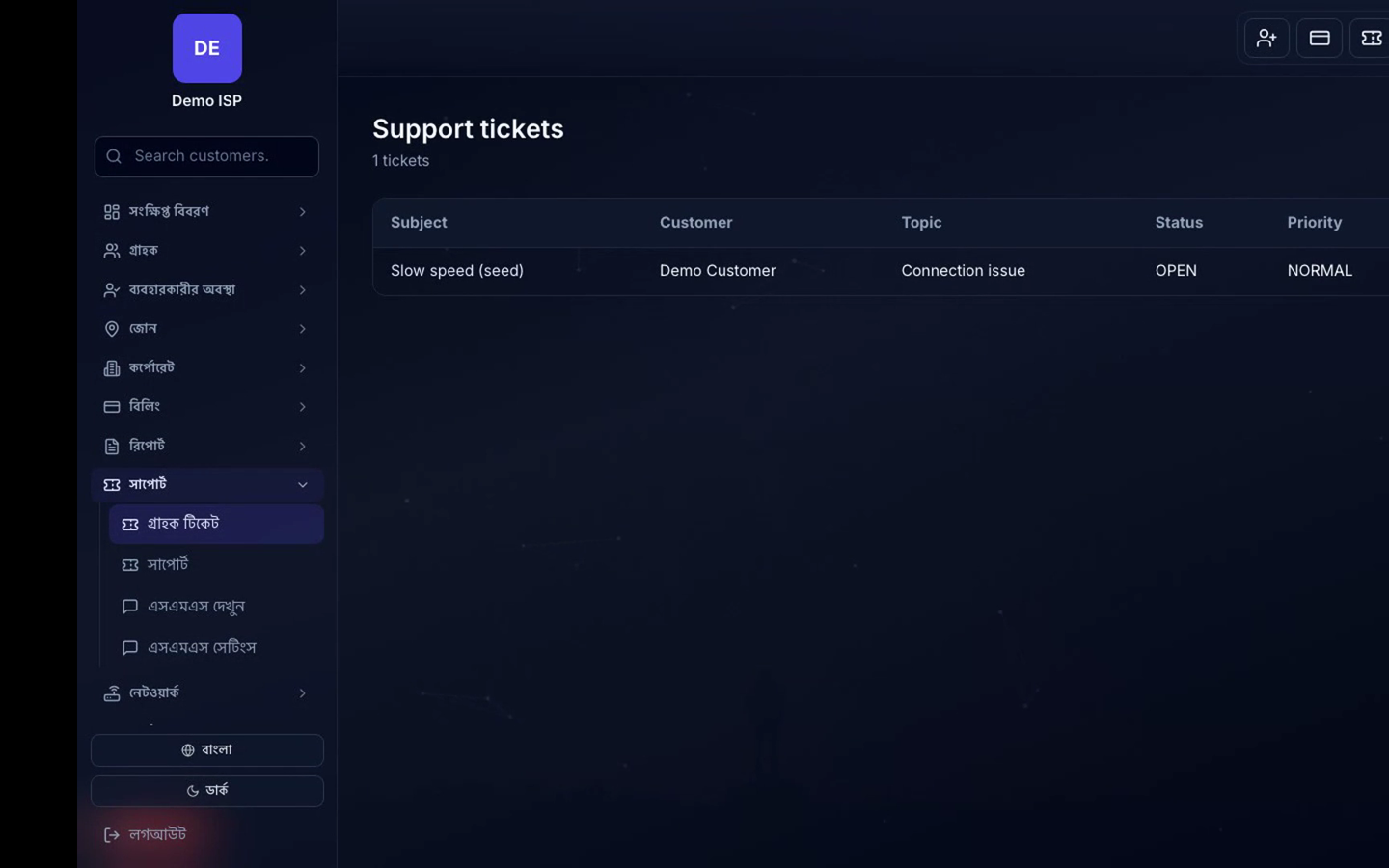
Tickets — menu path
Company Admin → Tickets / Support.
1. Ticket workflow
- Open a ticket against a customer; set priority and assignee.
- Update status (Open → In progress → Resolved) so Customer portal reflects progress.
- Use ticket SMS events if you want subscribers notified on open/assign/close.
SMS — menu path
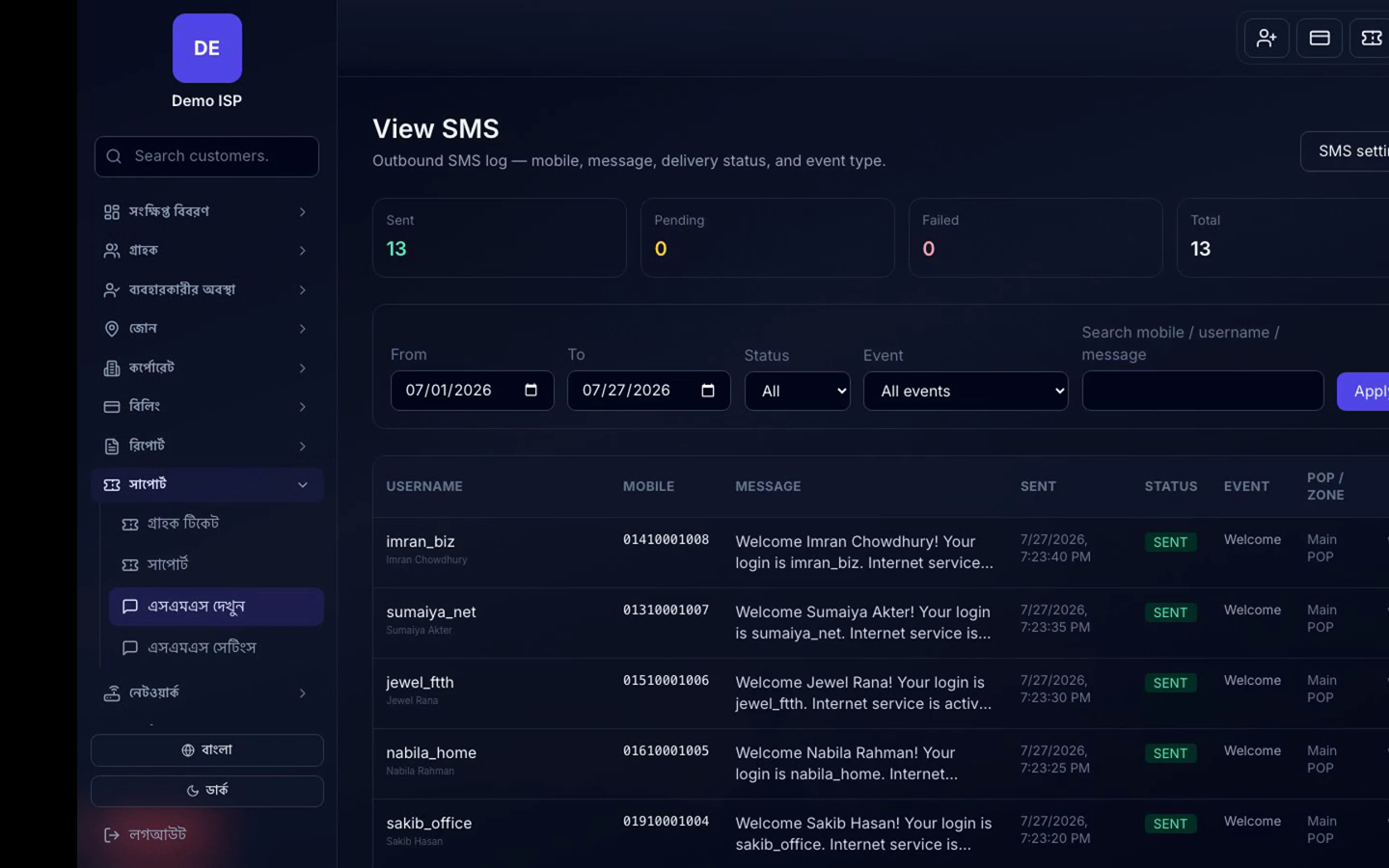
Company Admin → SMS → Settings / Templates / Outbound log / Provider.
2. Choose provider mode
- Nexor platform credits (non-masking Bangla relay), or
- Own gateway: Green Web, BD Bulk SMS, MiM, Alpha SMS, Singularis, or custom HTTP.
- Save provider credentials and check balance.
3. Event toggles and templates
- Enable independently: Welcome, Online payment, Manual recharge, Expiry warning, Due reminder, Ticket events, Wallet top-up.
- Edit Bangla/English bodies using placeholders: #USERNAME#, #CUST_NAME#, #AMOUNT#, #DUE#, #PACKAGE#, #EXPIRY_DATE#, #EXPIRY_DATE-1#.
- Send a test SMS to your phone before enabling mass events.
Verify
- Test SMS appears in Outbound log as Sent.
- Customer portal ticket status matches admin updates.
- Promotional SMS remains Unicode Bangla per BTRC rules.