Company Admin — Billing & payments
Configure expiry captive portal for PPPoE users
Steer expired subscribers to a branded pay/renew page instead of a dead link.
Step-by-step
With screens
EN
 ⌕
⌕
Steps
- Enable Expiry captive portal in Company Admin billing/portal settings.
- Set branding (logo/colors) consistent with customer portal.
- Ensure pay buttons hit the same gateways you configured under Billing.
- On MikroTik/RADIUS, ensure expired users are redirected to the portal URL (walled garden allows portal + payment domains).
- Test with a lab user moved to Expired.
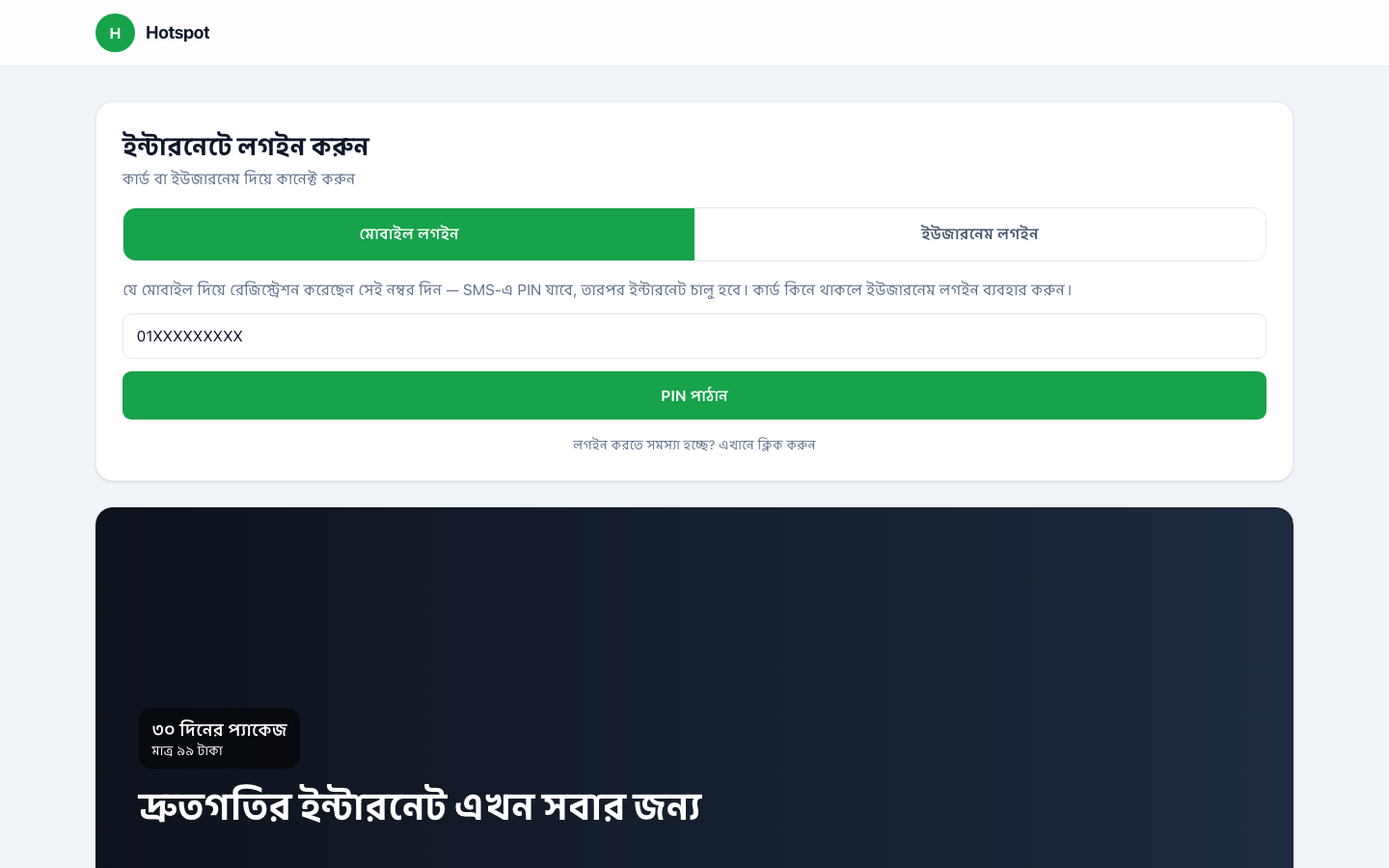 ⌕Captive-style pay/renew guidance page
