Steps
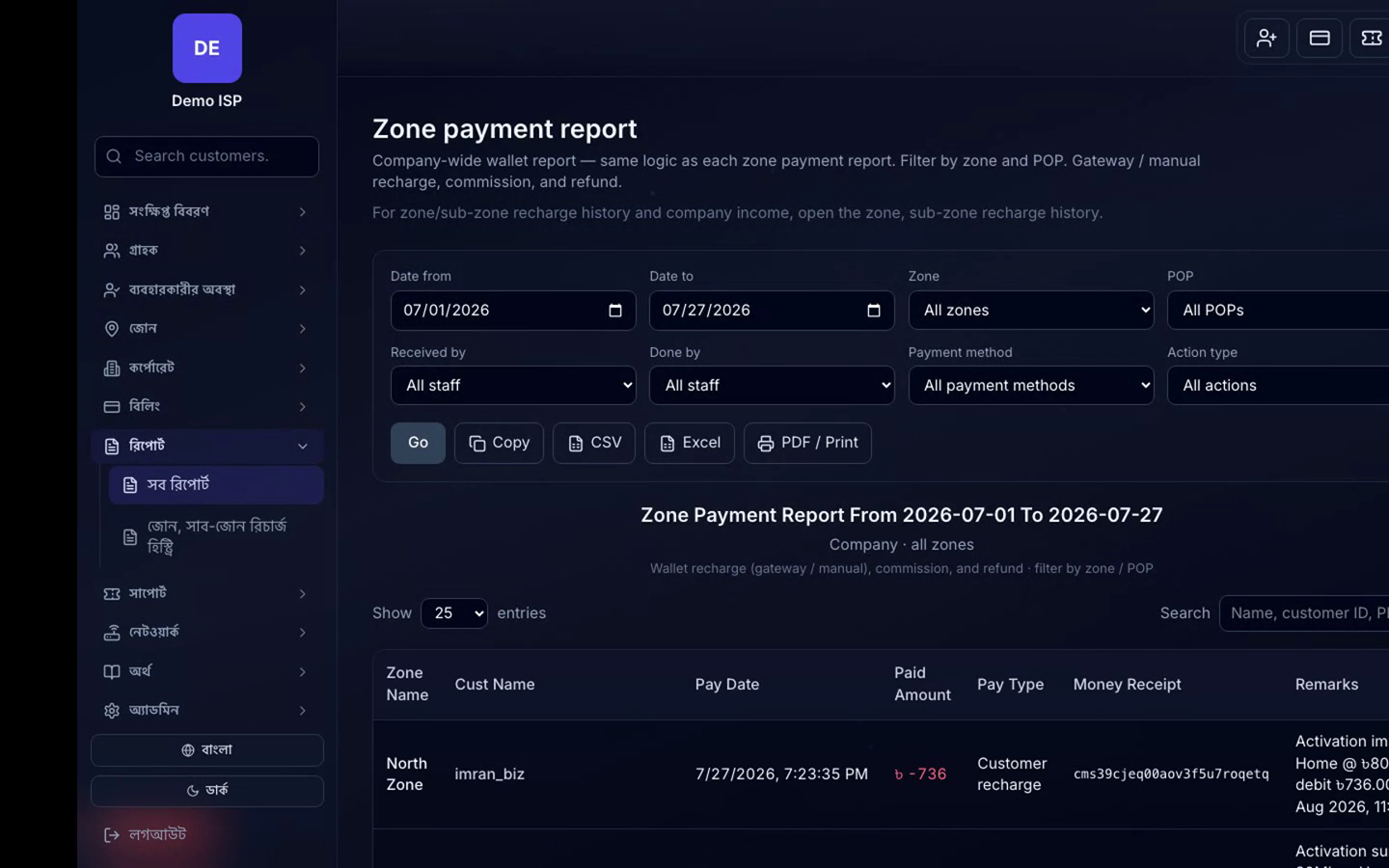
- Open Wallet / Top-up.
- Pay via enabled gateway (bKash/Nagad/SSL) or request company credit posting.
- After success, balance increases; renewals debit the wallet.
- Open Settlements / statements for commission and period close with the company.

Live chat
We typically reply within minutes
Live demo
Share your details—after submit we will show the demo URL and login.
Demo ready
Use the URL and login below. Copy each field or open the demo directly.