Company Admin — Subscribers
Configure user status: active, grace, expired and disconnect
How status rules interact with RADIUS access and the expiry captive portal.
Step-by-step
With screens
EN
 ⌕
⌕
What each status means
- Active — paid/in-term; should authenticate and stay online.
- Grace — short post-due window (company policy); access may continue with warnings/SMS.
- Expired — access should stop or redirect to expiry portal.
- Disabled/Left — permanent stop; do not renew accidentally.
Configure related behaviour
- Set package/billing dates so renewals move users Active → next period.
- Enable expiry warning SMS (Support → SMS) with #EXPIRY_DATE# placeholders.
- Configure Expiry captive portal so expired PPPoE users see pay/renew guidance.
Ops checklist when Online is low
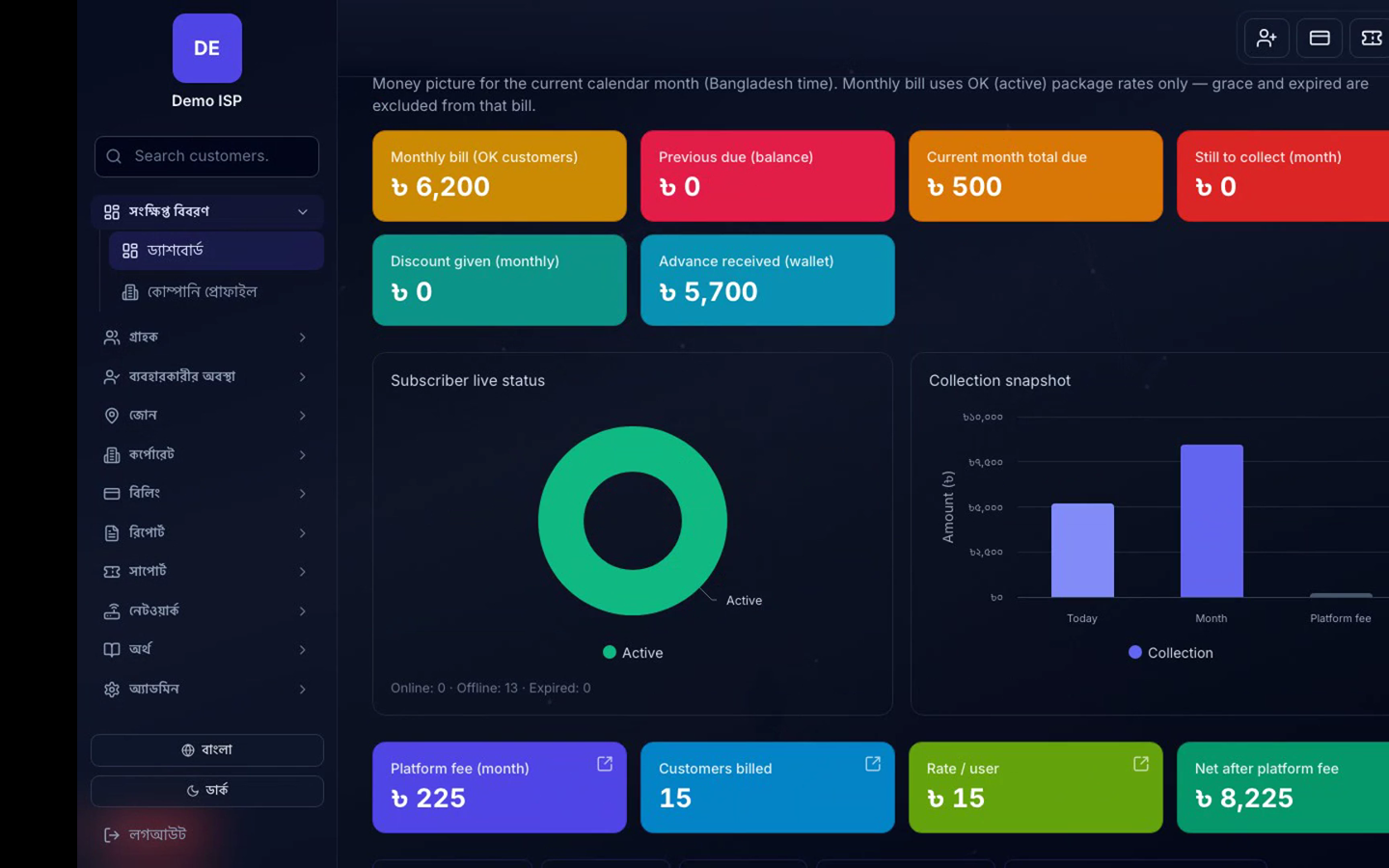
- Compare Active vs Online on Dashboard.
- Check NAS reachability and RADIUS rejects.
- Scan Expired cohort for mass non-pay vs outage.
⌕Dashboard status counts: Active, Online, Grace, Expired
