
Menu path
Company Admin → Subscribers → Customers (also Payment status, Trash, Search, Special renew, Import, Customer notices).
Prerequisites
- At least one Package with price and billing cycle.
- POP / Box / Area created if you assign network location.
- Zone assigned if the customer belongs to a reseller.
1. Create a customer (manual)
- Open Subscribers → Customers → Add.
- Enter username (RADIUS login), password, full name, mobile (BD 01XXXXXXXXX format recommended).
- Select Package, billing date / cycle, Zone (if any), POP, Box/Area.
- Set MAC lock / static IP only if your network policy requires it.
- Save — confirm the customer appears Active (or Grace per your rules) and RADIUS credentials sync.
2. Bulk import
- Open Subscribers → Import.
- Download/use the expected CSV columns (username, password, name, mobile, package, zone, pop, billing date).
- Upload a small test file (5–10 rows) first.
- Fix validation errors, then import the full file.
- Spot-check 3 imported users: profile fields, package price, zone ownership.
3. Search and payment status
- Use Search with username, mobile, customer ID, IP or address wildcards (e.g. 3/5* for address prefix).
- Open Payment status to filter paid / unpaid / due cohorts before collection campaigns.
4. Special renew and trash
- Special renew: use for grace extensions or exceptional period renewals without a normal payment posting.
- Trash: soft-delete mistaken accounts; restore from Trash if needed before permanent cleanup.
Verify
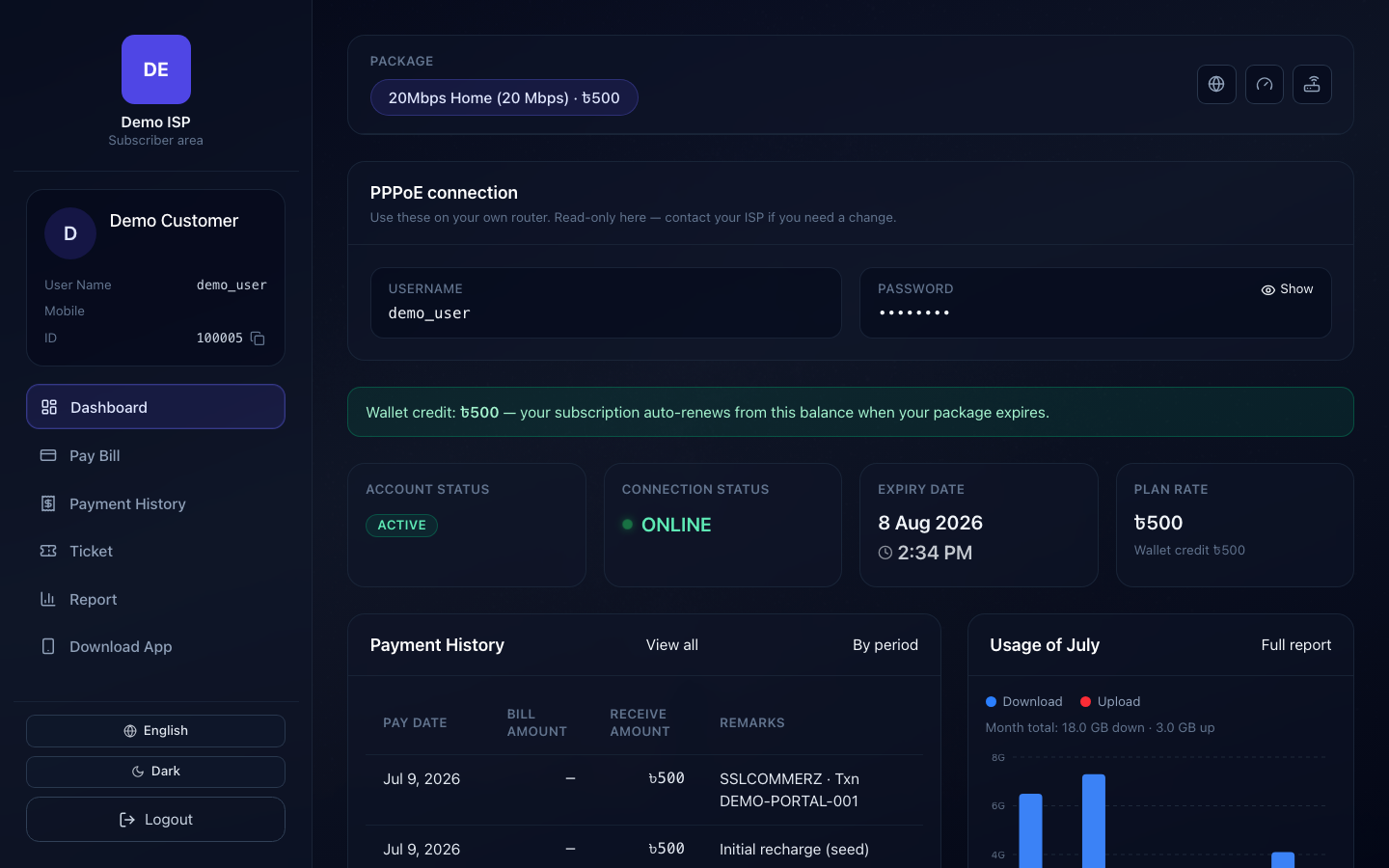
- New username authenticates on MikroTik/RADIUS (or shows correctly Online after connect).
- Mobile number ready for SMS templates (#USERNAME#, #CUST_NAME# placeholders).
- Zone wallet rules not blocking reseller-owned customers unexpectedly.