Hotspot captive portal
Hotspot captive portal: guest login configuration & use
How ISPs point MikroTik Hotspot at neXor and how guests authenticate.
Step-by-step
With screens
EN
 ⌕
⌕
ISP configuration
- Company Admin: create Hotspot packages + voucher batch (see Hotspot company doc).
- MikroTik: Hotspot server profile login-by = HTTP CHAP/HTTPS; set login HTML / radius or external portal URL to neXor captive portal.
- Walled garden: allow portal domain, payment domains and DNS.
- Test with one voucher on the Hotspot SSID before selling a batch.
Guest use
- Join Hotspot Wi-Fi; captive page opens.
- Sign in with voucher/card username or mobile PIN per company template.
- Use account/billing pages if enabled; expired Hotspot users see renew guidance.
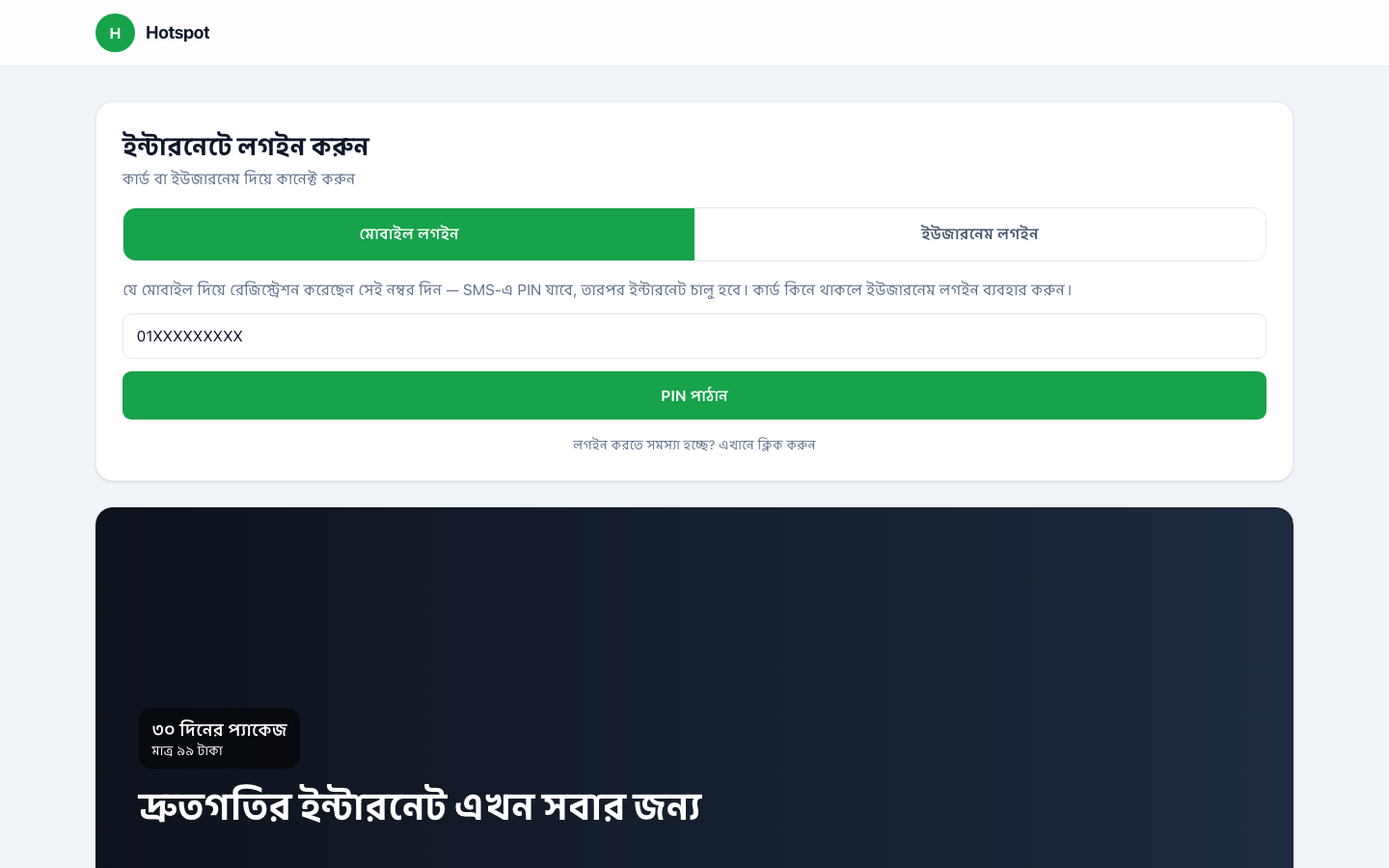 ⌕Hotspot captive login page
