Menu path
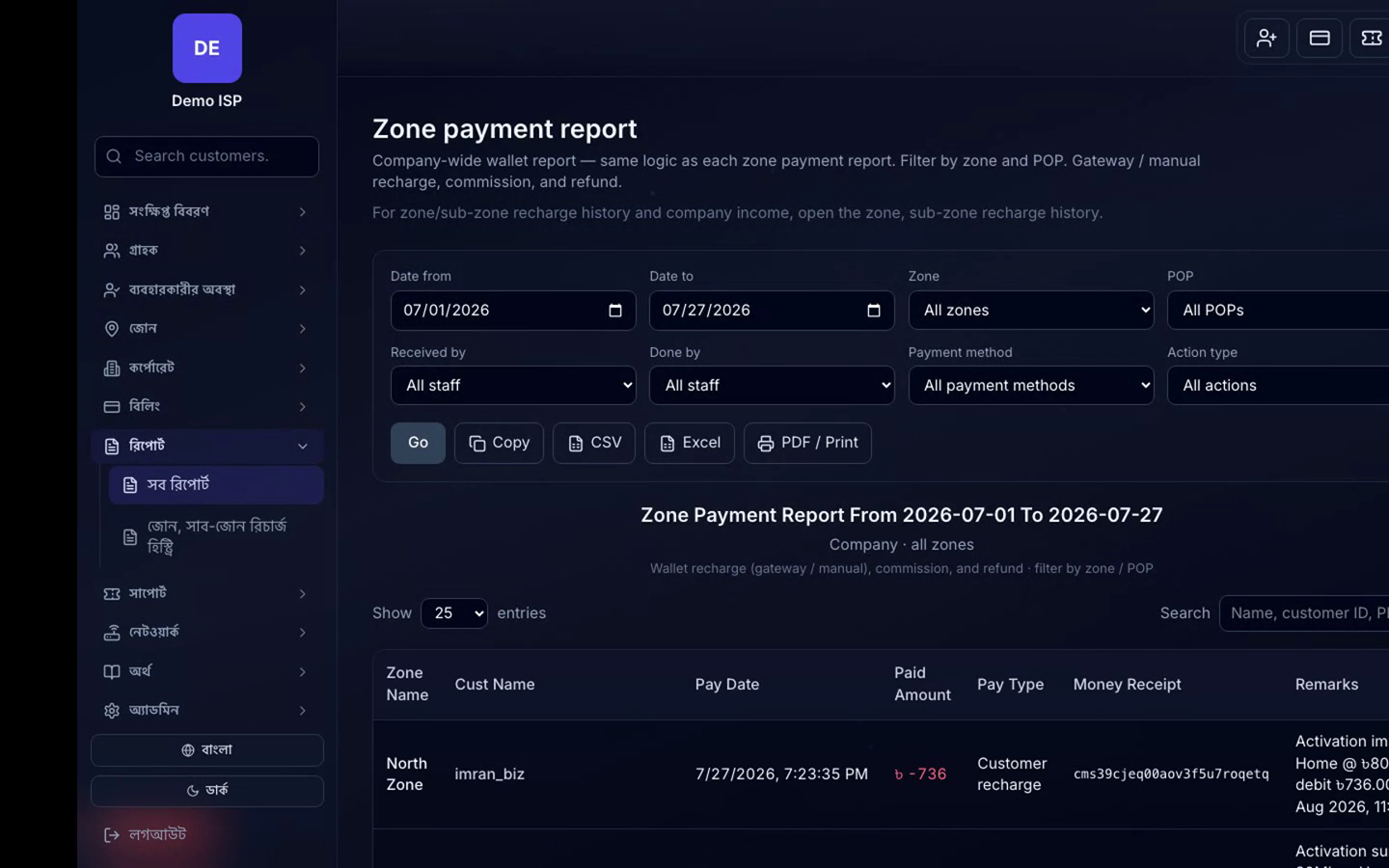
Company Admin → Collections / Company bills / Payment history / Reports (Due, POP-wise, All reports).
Daily close
- Reconcile online gateway rows in Payment history (bKash/Nagad/SSL/SMS Sync channels).
- Post cash/bank manual collections against the correct customer.
- Open Due report; filter zone/POP; assign follow-up.
- Export CSV/Excel/PDF for accounts.
Left-client / inactive balances
Use Left client bills (or equivalent) so closed accounts do not pollute active due campaigns.