Customer portal
Customer portal: tickets, service status and app download
Open support tickets, check outages and install the mobile app when offered.
Step-by-step
With screens
EN
 ⌕
⌕
Steps
- Tickets → New: describe the issue, attach context (ONU light, outage area).
- Track status until Resolved.
- Open Service status before assuming only your line is down.
- Download app entry point if your ISP publishes it for payments/notices on mobile.
- If redirected to an expiry page, pay/renew there, then reconnect PPPoE.
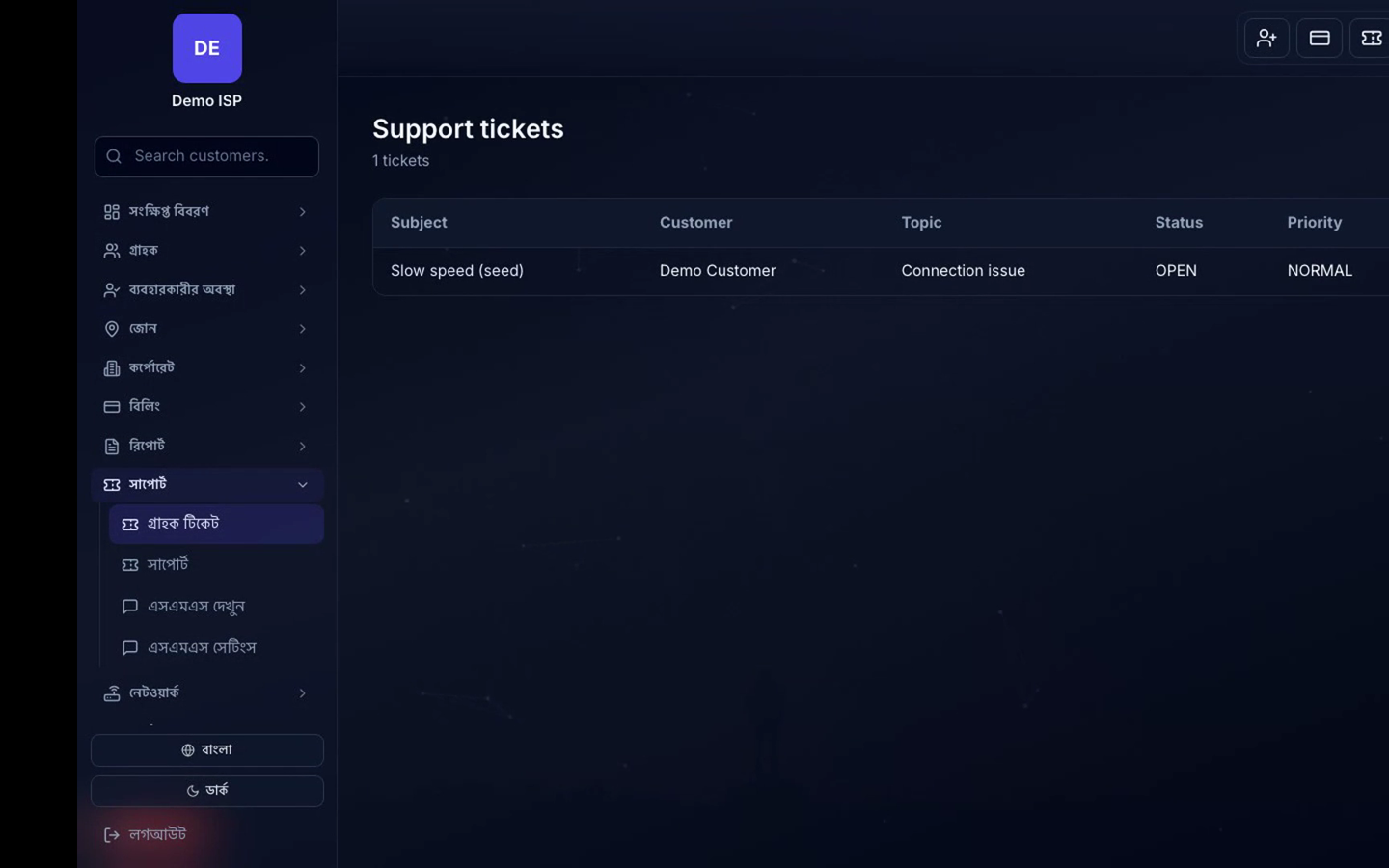 ⌕Customer portal tickets and service status
