Company Admin — Accounting & HR
Configure accounting: ledgers, vouchers and P&L
Chart of accounts, income/expense vouchers and profit-loss beside ISP collections.
Step-by-step
With screens
EN
 ⌕
⌕
Steps
- Open Accounting → Chart / Ledgers; create cash, bank, bKash clearing and income accounts you need.
- Post income/expense vouchers daily; keep ISP Payment history reconciled to clearing accounts.
- Run Daybook and Profit & Loss for the month; export for auditor/owner review.
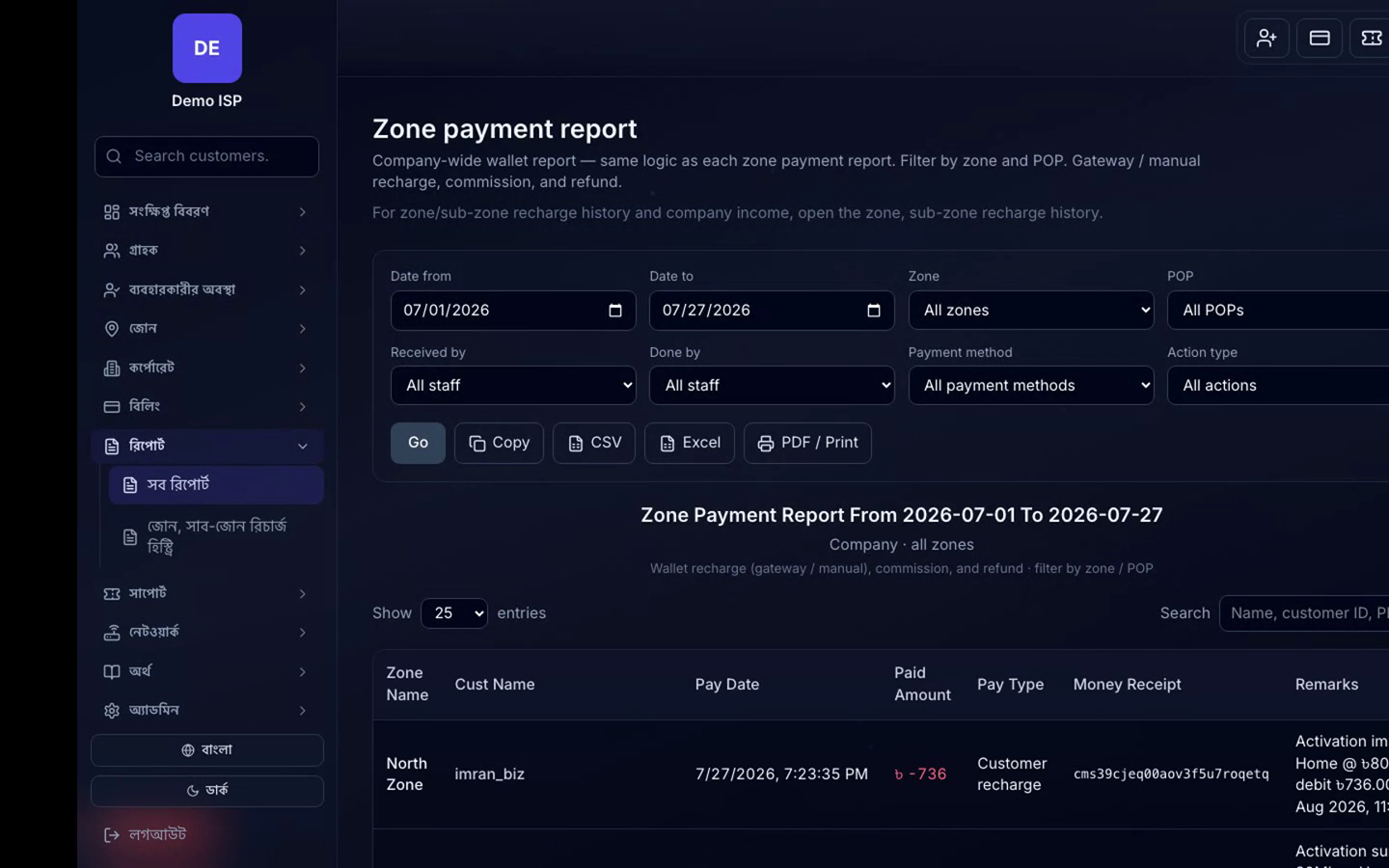
⌕Collections and accounting reports side by side
