
Menu path
Company Admin → Billing → bKash / Nagad / SSLCommerz (and Invoices, Payment history).
Prerequisites
- Merchant account credentials from bKash/Nagad/SSLCommerz.
- Public HTTPS hostname for your billing portal (for callbacks/webhooks).
- A test subscriber with a small due amount.
1. Enter gateway credentials
- Open Billing → bKash (repeat for Nagad / SSLCommerz).
- Paste App Key / Secret / Username / Password / Store ID fields as shown for that gateway.
- Choose Sandbox vs Live deliberately—never mix live keys with sandbox callback URLs.
- Save credentials.
2. Webhook / callback cutover (bKash legacy)
- If you already have a merchant webhook URL on bKash, you can keep the same path and point DNS to neXor when bkash_external_webhook_url / company domain is configured.
- neXor accepts common legacy path aliases (/file.ext and /webhook/file.ext) and AWS SNS Notification envelopes.
- After DNS cutover, watch Payment history / webhook inbox for the next real or test IPN—do not invent live payments as proof.
3. Customer portal pay test
- Log into Customer portal as the test user.
- Pay a small due via the enabled gateway.
- Confirm Payment history shows success, balance/expiry updated, and SMS fired if enabled.
4. Optional bKash SMS Sync
- Create/ensure a BANK ledger/user whose name contains bKash and mobile = merchant MSISDN.
- Install the Android SMS Sync APK on the merchant phone; complete OTP.
- Keep the app running so Make Payment SMS posts into billing with Ref mapping.
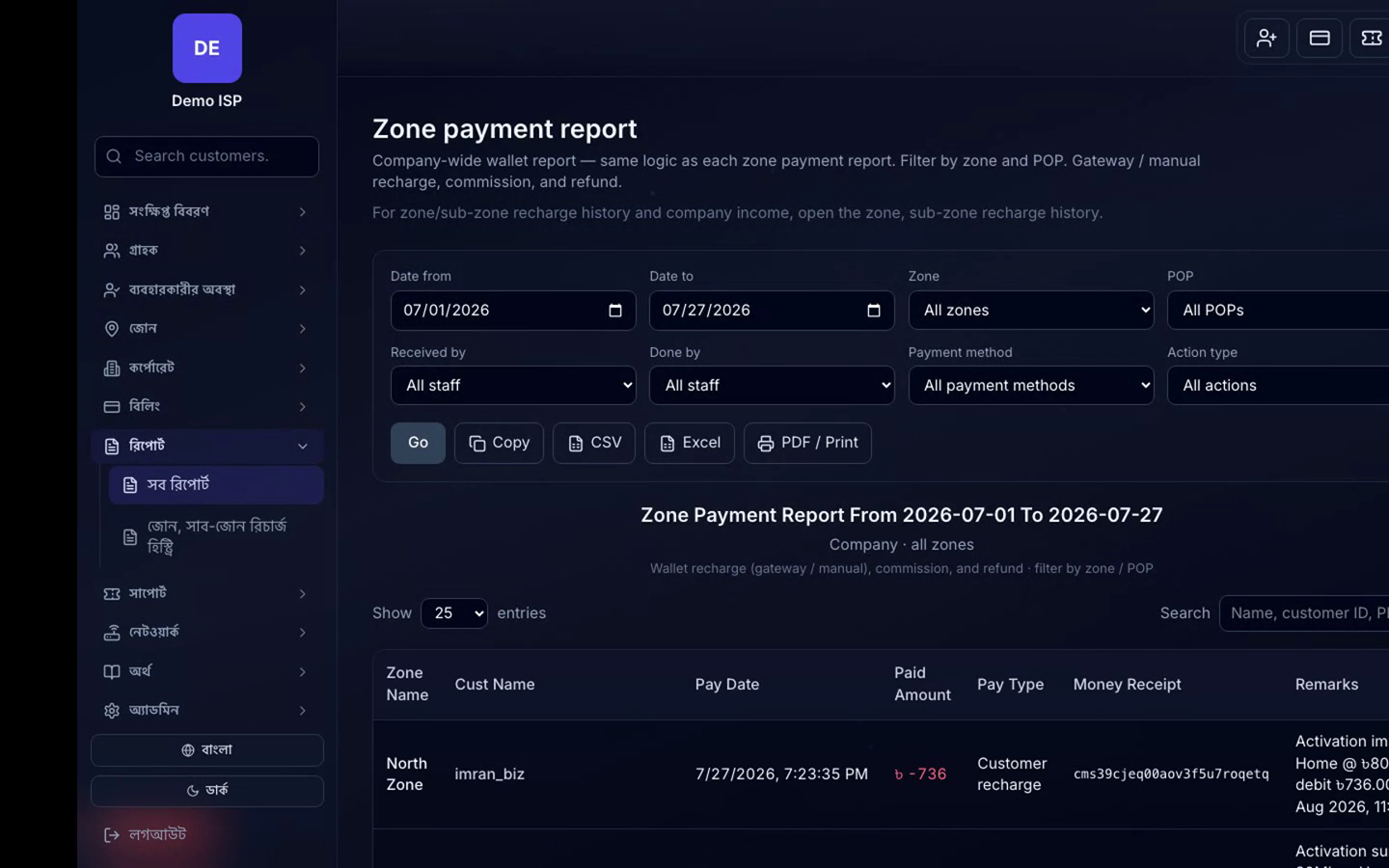
Verify
- Sandbox/live flag matches merchant console.
- Successful test payment credits the correct subscriber.
- Failed callbacks appear in logs/inbox for retry—not silent drops.