
Important
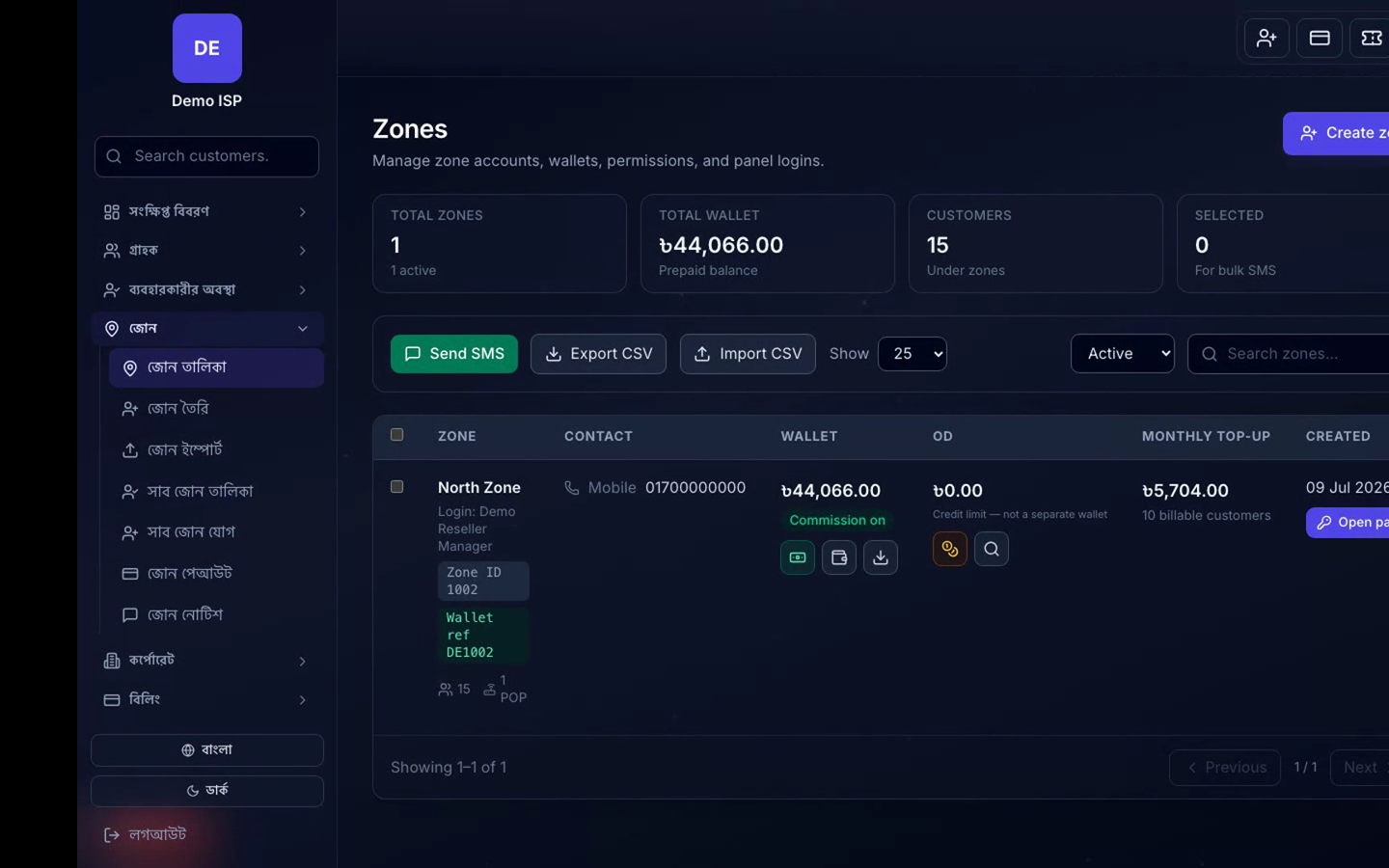
Zone configuration is done in Company Admin. Day-to-day reseller work happens in the Zone panel (different login and UI)—see Zone panel docs. Do not reuse Company Admin screenshots as Zone panel UI.
Menu path
Company Admin → Zones → Zones / Sub-zones / Staff / Wallet rules.
1. Create a zone
- Add Zone with partner name and contact.
- Create a Zone panel staff user and give zone-scoped permissions only.
- Assign existing customers to the zone or let the partner create new ones per your policy.
2. Wallet and commission
- Set wallet top-up rules (online gateway and/or company credit).
- Define commission / settlement percentage if partners earn on collections.
- Top up the zone wallet before they can renew customers if your model is prepaid wallet.
3. Sub-zone
- When a parent zone needs another operating layer, add a Sub-zone under the parent.
- Scope staff and customers carefully so ownership never overlaps two parents.
Verify
- Zone staff can log into Zone panel only for their customers.
- Company Dashboard still rolls up that zone’s collections.
- Wallet debit occurs on partner-initiated renewals.