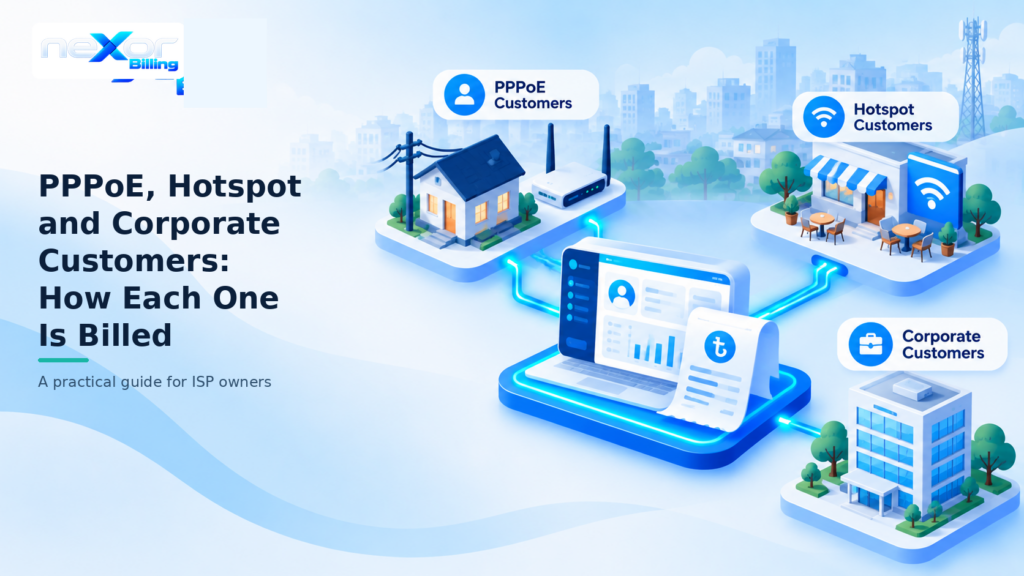
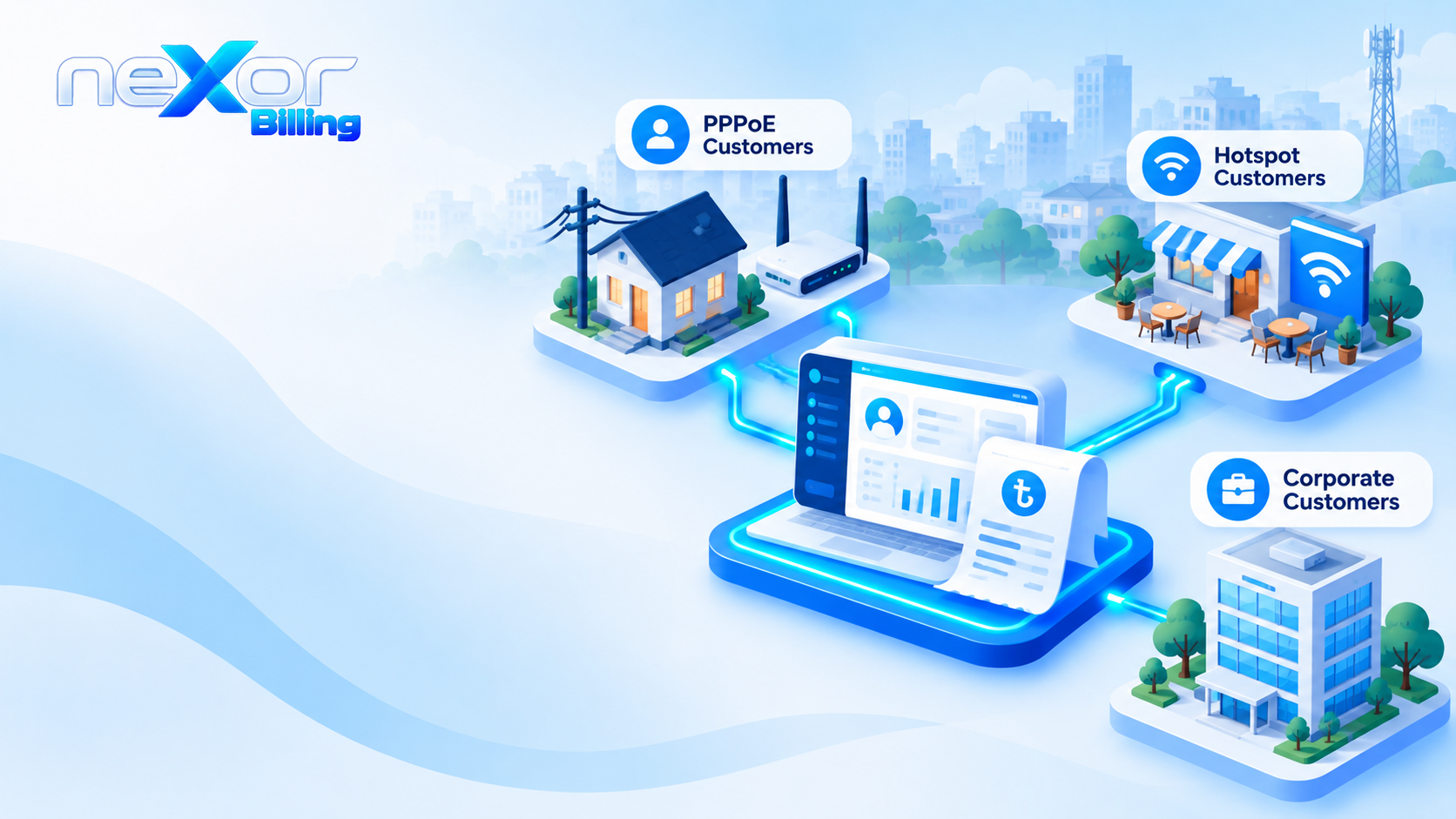
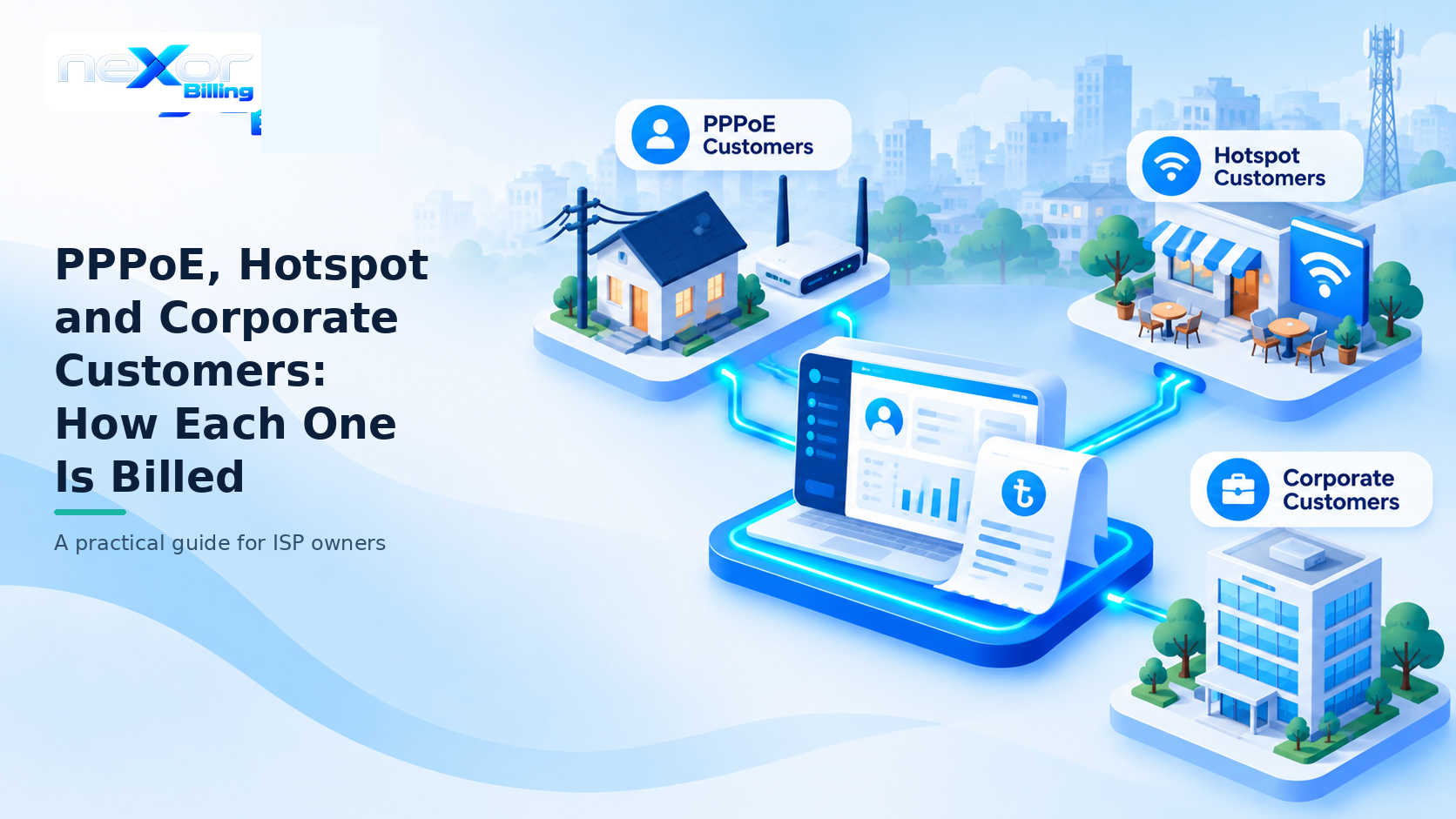
Most Bangladeshi ISPs sell three kinds of service. Home customers on PPPoE pay every month, Hotspot guests buy a card, and corporate customers get an invoice. Each type needs its own billing rules, and one spreadsheet cannot hold all three without errors. This guide explains PPPoE vs Hotspot billing, plus corporate billing, in plain words.
TLDR
- PPPoE customers have their own login and renew on a monthly cycle.
- Hotspot guests pay first, because the voucher is the bill.
- Corporate customers need their own packages, contacts and invoices.
- Mixing the three in one spreadsheet breaks expiry, reports and permissions.
What Is the Difference Between PPPoE, Hotspot and Corporate Customers?
The three types differ in who connects, when they pay, and what the system must track. The table below shows the gap at a glance.
| Point | PPPoE | Hotspot | Corporate |
|---|---|---|---|
| Who it suits | Home and small office subscribers | Guests, shops and short stays | Businesses with dedicated circuits |
| How they connect | Own username and password on their router | A login page with a card code or mobile PIN | Set up for each contract |
| When they pay | Each billing cycle | Before they connect | Against an invoice |
| What the system tracks | Package, expiry date and balance | Voucher batch, validity and sold status | Company, billing contact, account manager and invoice |
| What renews | The package, each cycle | Nothing, because a new card is a new sale | The contract, on the corporate cycle |
How Is a PPPoE Customer Billed?
A PPPoE customer is billed on a package cycle and renews each month. The life of one account has four steps.
- Create the customer with a username, password, mobile number, package, billing date and area.
- The package sets the price and links the customer to a speed profile on the router.
- When the cycle ends, the customer pays and the expiry date moves forward.
- If nobody pays, grace days apply first. Then the status changes to expired.
Two settings matter here. First, the billing cycle can follow a fixed date each month or the anniversary of the start date. So pick the one that matches how you invoice, and keep it the same for everyone. Second, some cases need a grace extension without a normal payment. For those, use a special renew instead of a fake payment entry. Our subscriber guide, package guide and status guide cover each step.
How Is a Hotspot Customer Billed?
A Hotspot customer pays first, because the voucher is the bill. The flow has four steps.
- Create a Hotspot package with a validity in hours or days, a speed profile and a price.
- Generate a batch of vouchers by choosing the package, the quantity and a prefix. Add a zone if a reseller will hold the stock.
- Print or export the cards, then mark each one as sold or available.
- The guest opens the login page and signs in with the card. The card works until its validity ends.
Also keep Hotspot packages apart from PPPoE packages, or prices and validity rules get mixed up. The Hotspot guide lists the tests to run before you go live. For more on the voucher side, read how to sell prepaid vouchers from the same panel as PPPoE.
How Is a Corporate Customer Billed?
A corporate customer is billed by invoice, not by a simple monthly renewal. The setup takes four steps.
- Create corporate packages with a dedicated rate and notes about the circuit.
- Add the company with its name, billing contact and account manager.
- Assign the package and issue invoices on the corporate cycle.
- Track each payment against its invoice.
Also, do not mix large corporate circuits into the home customer list. That way, permissions and due reports stay cleaner when the two live apart. Our corporate customers guide shows the screens.
Where Do Zone Partners and Resellers Fit?
If you sell through zone partners, the customer type decides how each partner takes part. A PPPoE customer can belong to a zone from the day you create the account. A Hotspot batch can also carry a zone, so a reseller sells from their own stock. The zone and sub-zone control page explains the wallets and commissions behind this.
Why Does One Spreadsheet Break With All Three?
A spreadsheet treats every row the same, but these three types follow different rules. Five problems appear.
- Expiry logic differs, because a voucher ends by hours or days and a PPPoE account ends by cycle
- Payment proof differs, because one is a voucher sale, one is a monthly due and one is an invoice
- Permissions clash, because a zone partner should not see corporate rates
- Due reports hide the big accounts among the small ones
- The router needs PPPoE logins and Hotspot users, and a sheet cannot send either
Imagine month-end in one sheet. A home customer’s due sits next to a card sale and a company invoice. Someone must sort them by hand, and one slip can disconnect a paying customer or leave a large invoice unpaid.
So one billing system fixes this by giving each type its own packages and rules inside a single customer database. neXor, for example, keeps PPPoE, Hotspot and corporate customers in one system, while each type keeps its own packages and rules. See the subscriber management page, the Hotspot Wi-Fi page and the corporate billing page for how that looks.
PPPoE vs Hotspot Billing: Which Should You Offer?
Offer PPPoE to permanent customers and Hotspot to short stays. Members of the MikroTik community forum give the same advice. They also describe Hotspot as built for guests who come and go, and PPPoE as better for customers who stay and pay every month.
- Choose PPPoE when the customer stays, pays monthly and has their own router
- Choose Hotspot when people come and go, such as in shops, hostels and shared spaces
- Add corporate billing when a customer needs an invoice and a dedicated rate
Many ISPs need all three, so the better question is how to keep their billing apart.
FAQ
Can I run PPPoE and Hotspot on the same network?
Yes. A reply on the MikroTik community forum notes that the PPPoE server can run on the same interface as Hotspot. That lets you add new customers on PPPoE while existing Hotspot users stay as they are. Then keep their packages separate and bill them from one system.
Do PPPoE customers need their own router?
Usually, yes. PPPoE assumes the customer’s router or device holds the username and password and dials in. Forum members also point out that phones do not normally dial PPPoE themselves, as this thread explains. Meanwhile, Hotspot needs only a browser, so it suits guests.
Can a Hotspot voucher be used again after it expires?
It should not be. A sold card ought to stop working once it runs out or expires. Our Hotspot guide lists this as a test, so try one unused voucher and then try it again before you go live.
Can I import my existing PPPoE customers from a spreadsheet?
Yes, through a CSV file. The neXor import expects a username, password, name, mobile, package, zone, POP and billing date. Upload a small test file of 5 to 10 rows first, fix any errors, and then import the full file. The subscriber guide has the full steps.
What to Do Next
First, list your customers by type and count how many you have of each. Then check whether your current records keep each type’s rules apart.
[Add link to the ISP billing software guide here]. To see PPPoE vs Hotspot billing in one panel, open the neXor public demo or ask for a walkthrough.
সংক্ষেপে
- পিপিপিওই কাস্টমারের নিজস্ব লগইন থাকে আর বিল হয় মাসিক সাইকেলে।
- হটস্পট গেস্ট আগে ভাউচার কেনেন, তাই ভাউচারই তাঁর বিল।
- কর্পোরেট কাস্টমারের আলাদা প্যাকেজ, বিলিং কন্টাক্ট আর ইনভয়েস লাগে।
- তিন ধরনের কাস্টমারকে এক স্প্রেডশিটে রাখলে মেয়াদ, রিপোর্ট আর পারমিশন গোলমাল হয়ে যায়।