
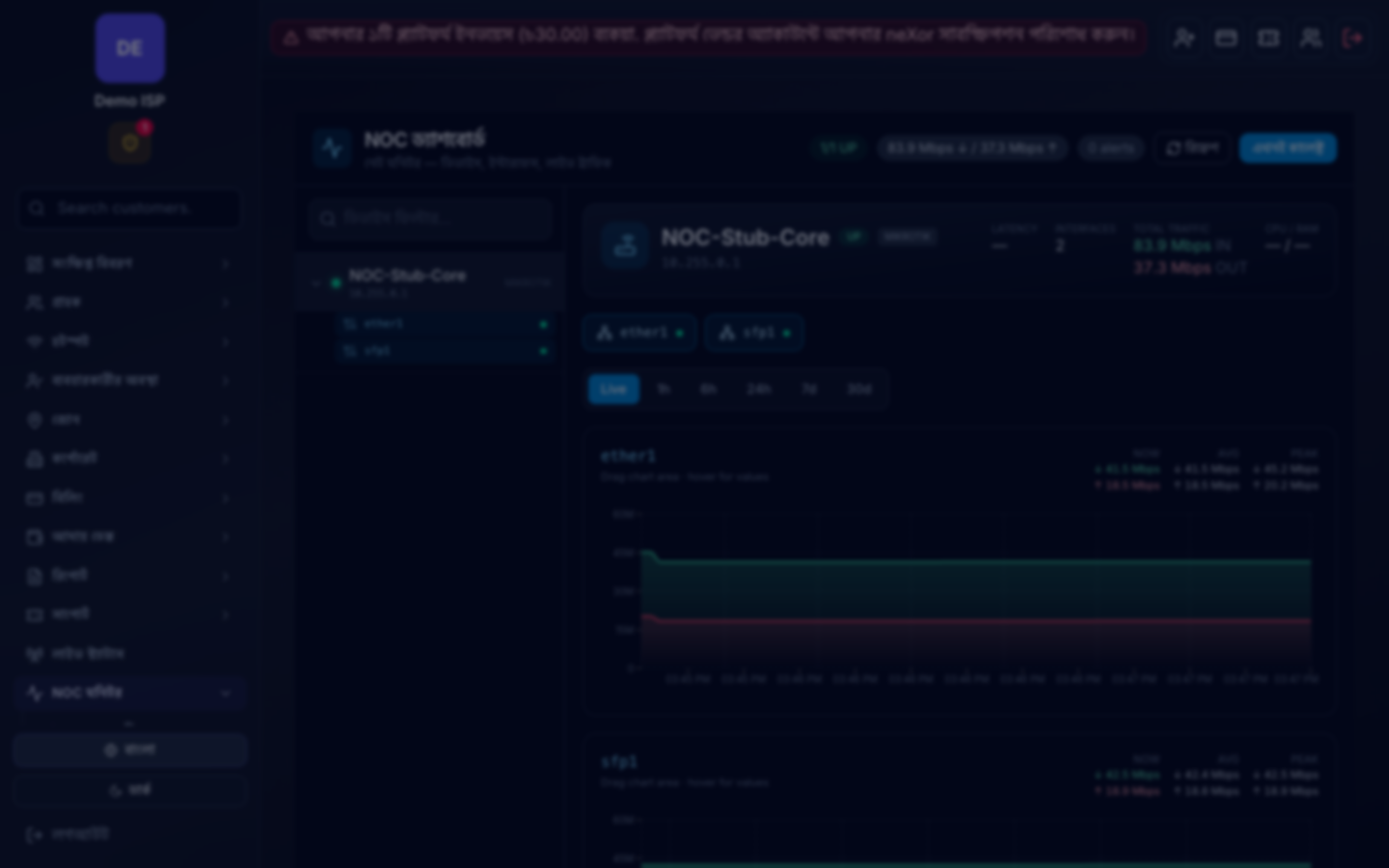
At a glance
Give every company a full NOC workspace that stays off until you turn it on—then routers, traffic, BGP, impact and Telegram sit in one place.
In detail
Most ISP NOCs still stitch MikroTik Winbox, separate NetFlow tools, Telegram groups and spreadsheet runbooks. Flaps show up as customer calls first.
neXor NOC Monitor is a full company-scoped suite: enable under NOC Settings (off by default), register MikroTik routers and probe targets, then use Dashboard, Topology, Looking Glass, Interfaces & SFP, Queue Monitor, NetFlow, BGP, Live wall, heat-map, capacity, customer impact, syslog/SNMP, path probes, config drift & backups, website/VPN/DNS checks, security & mitigation, alert rules, maintenance windows, Time Machine and reports—with Telegram when something flaps.
Collectors and ingest (NetFlow, syslog, SNMP traps) only run for companies that opt in, so quiet tenants stay quiet.
Key capabilities
- Per-company opt-in — off by default until NOC Settings enable
- Dashboard, topology, looking glass, live wall and interface/SFP views
- NetFlow top talkers, app breakdown, capacity and online heat-map
- BGP status & uplink watch, path probes and customer impact
- Syslog, SNMP traps, config drift, RouterOS backups and Time Machine
- Security, mitigation, DDoS/SLA anomaly, alert rules and Telegram
Business benefits
- Detect flaps before the phone queue fills
- One workspace instead of five ad-hoc tools
- Opt-in keeps unused companies free of collector load
- Alerts land where on-call already watches (Telegram)
Day-to-day workflow
- 01 Enable NOC under NOC Settings
- 02 Register MikroTik routers and target IPs
- 03 Connect Telegram; open Dashboard / Live wall
- 04 Triage from alerts, impact and NetFlow—not rumor
Best suited for
Built for ISP NOC and on-call teams that need live network awareness without turning every tenant on by default.
See this feature in a live demo?
Share your subscriber count, zone/POP structure and current billing setup—we will show how neXor maps to your operation.
Request a demoKeep exploring
More capabilities across billing, network and support
Customer portal
Give every subscriber a branded portal to view status, pay bills, download receipts and open tickets.
Learn more →
POP operations panel
Give POP operators a scoped workspace to add and manage local subscribers without company-wide finance access.
Learn more →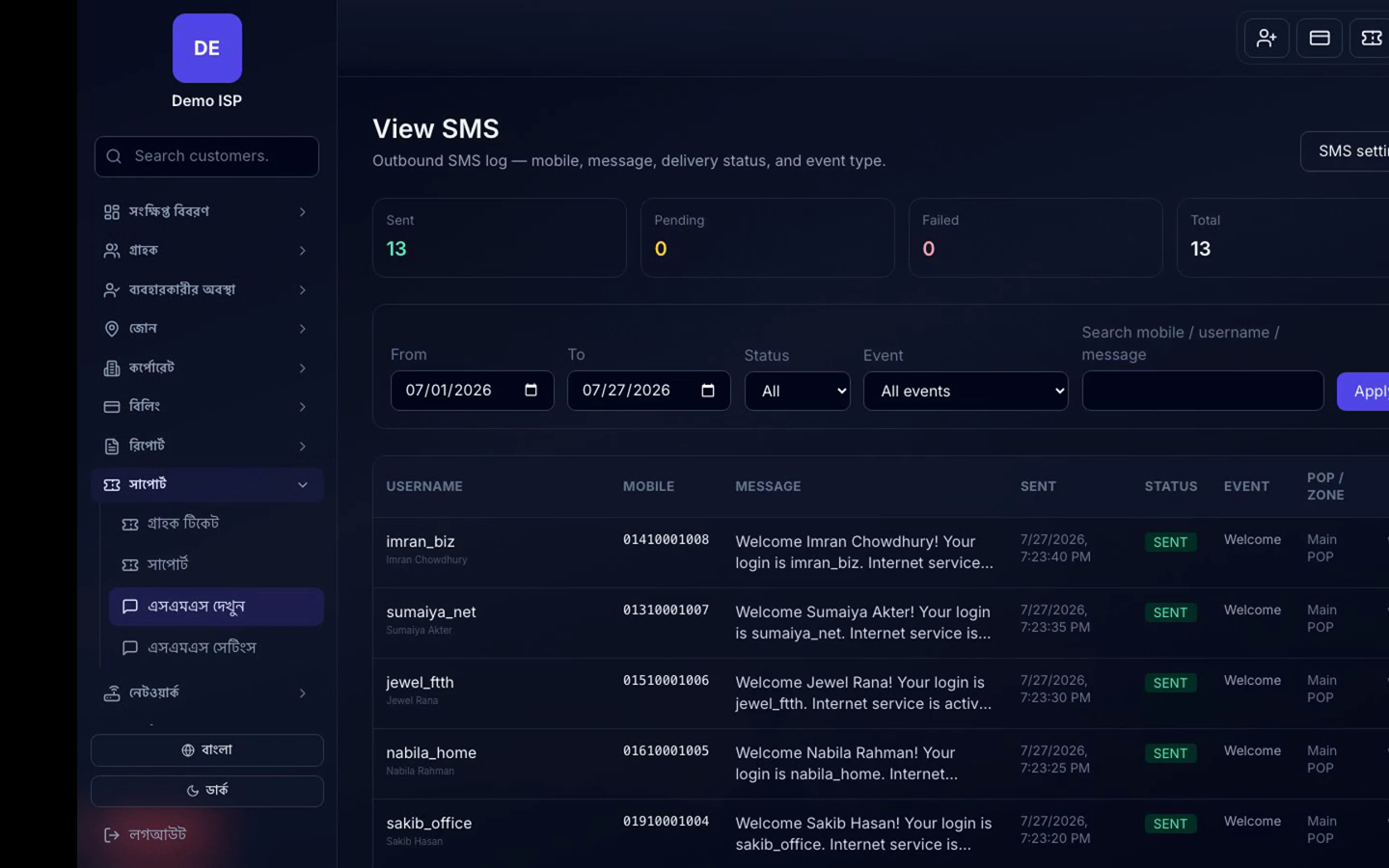
SMS notifications
Automate welcome, payment, recharge, expiry, due and ticket SMS via Nexor credits or your own BD gateway—plus bKash SMS Sync.
Learn more →